
 Under 20,000/-
 Google Pixel
 OnePlus
 Apple iPhone
 Oppo
Oppo Vivo
Vivo Motorola
 Xiaomi
 LG
LG Sony
Sony Samsung
 Sharp
Sharp Honor
Honor

 Touch + OCA Glass
 Charging Port
 Back Camera Glass
 Back Glass & Covers
 Sim Tray Jackets
 Mobile Batteries
 S-Pen
S-Pen
 Smart Watches
 Earbuds
 Cooling Fan

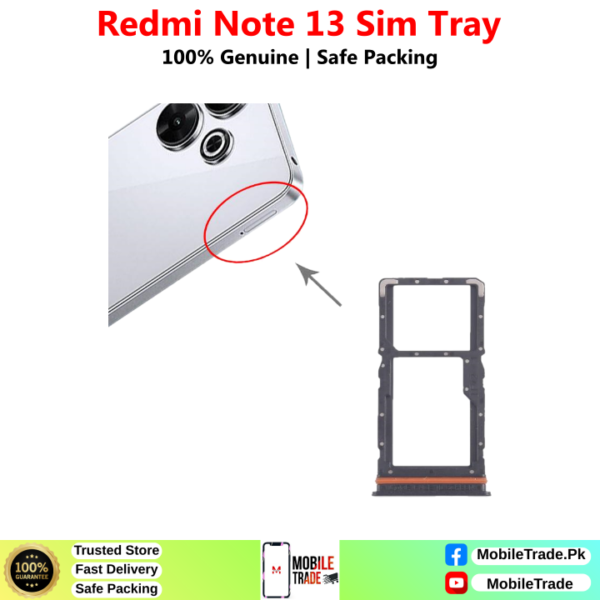
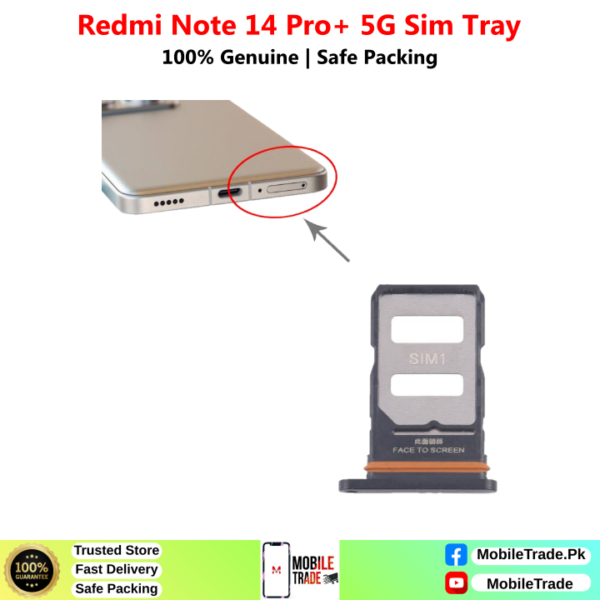



Redmi Note 14 Sim Tray Price In Pakistan:
Buy Mobile Phones Sim Tray Jackets online from MobileTrade.Pk. We offer high-quality mobile spare parts, competitive prices, and fast delivery across Pakistan.
Buy Redmi Note 14 Sim Tray Jacket in Pakistan:
Explore unbeatable prices on Redmi Note 14 Sim Tray Jacket at MobileTrade.Pk. Find the best deals on Top Quality Used Mobile Phones, Mobile Parts, Smart Watches, etc. Which Are Affordable, reliable, and ready to upgrade your Mobile Phone experience. Shop now for unbeatable value!
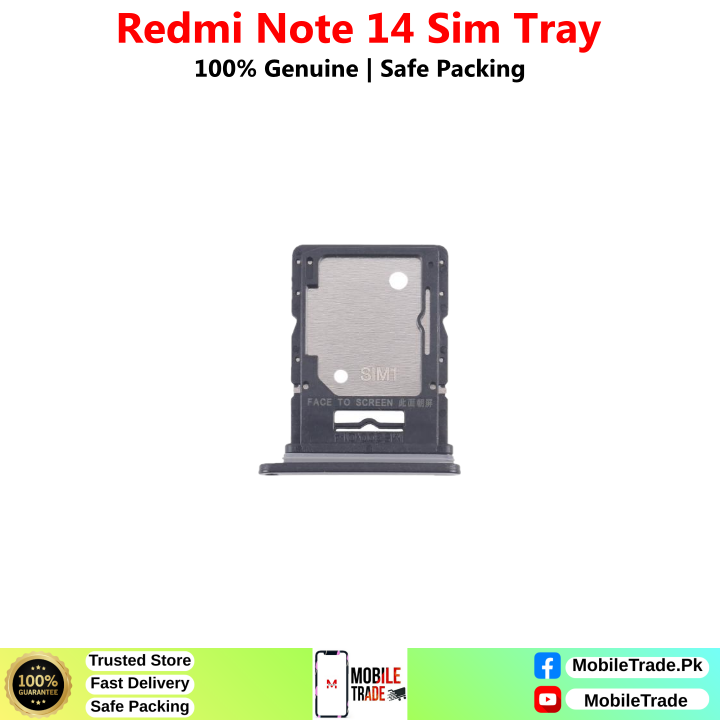
Redmi Note 14 Sim tray Photos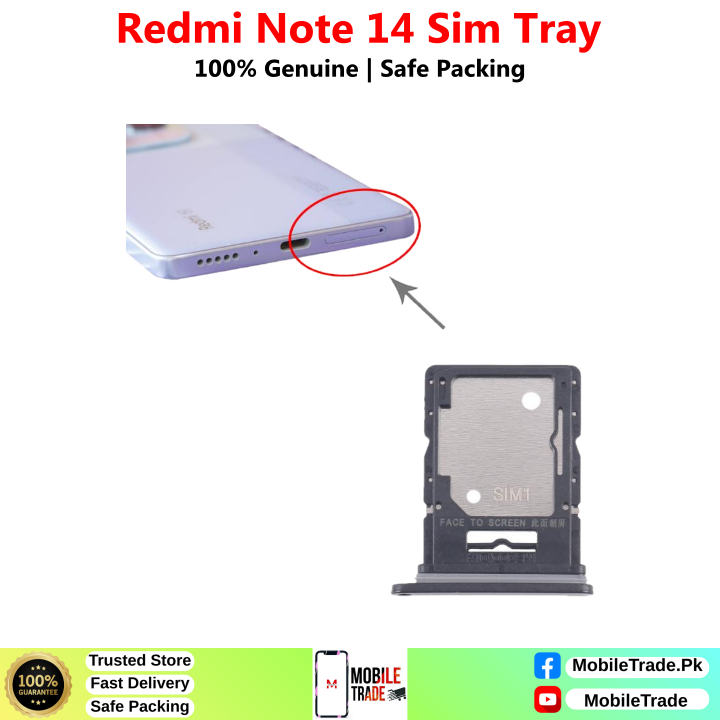
How Do I Fix Sim Tray Jacket In My Phone:
Fixing a SIM tray jacket in your phone is a relatively straightforward process. Here’s a step-by-step guide to help you install a SIM tray jacket properly:
What You’ll Need:
- The SIM tray jacket
- The SIM card you want to insert
Steps to Fix SIM Tray Jacket:
- Turn Off Your Phone: Before you begin, ensure your phone is powered off to prevent any damage to the device or the SIM card.
- Locate the SIM Card Slot: Most phones have a designated SIM card slot on the side of the device. This slot is usually accompanied by a small pinhole. Use the SIM card ejector tool (or a paperclip) to gently press into the pinhole. This will eject the existing SIM tray.
- Remove the Existing SIM Tray: Gently pull out the existing SIM tray from the phone. Be careful not to damage it, as you might need it in the future.
- Insert the SIM Card into the Jacket: Place your SIM card into the SIM tray jacket. Ensure that the card fits securely and aligns properly within the jacket.
- Insert the SIM Tray Jacket: Carefully slide the SIM tray jacket (with the SIM card inside) into the SIM card slot of your phone. Make sure it goes in smoothly without any resistance. Do not force it; if you encounter resistance, double-check the alignment of the SIM card and the jacket.
- Power On Your Phone: Once the SIM tray jacket is securely in place, power on your phone. Wait for the device to recognize the SIM card. If everything is properly aligned, your phone should detect the SIM card without any issues.
- Check for Connectivity: After the phone has started up, check for network connectivity and make a test call to ensure that the SIM card is functioning correctly.
Secure Packaging Method Of MobileTrade.Pk
- Select Appropriate Packaging Materials:
- We Use sturdy corrugated cardboard boxes or padded envelopes based on the product’s size and fragility.
- Utilize bubble wrap, foam inserts, or air pillows to cushion delicate items securely within the packaging.
- Securely Wrap and Seal Items:
- Wrap individual products with protective materials, ensuring they are well-cushioned and protected.
- Use high-quality packaging tape to seal the box securely, reinforcing seams and edges to prevent damage during transit.
- Clearly Label Packages:
- Clearly label each package with the recipient’s name, address, and phone number.
- Include a packing slip or invoice inside the package for easy reference, providing essential information about the order.
- Ensure Weatherproofing and Security:
- Use waterproof bags or plastic wrap inside the box, especially if shipping in areas prone to rain or adverse weather conditions.
- Seal the package securely to prevent tampering and enhance security during transit.
- Implement Quality Control and Feedback Loop:
- Conduct thorough quality checks before packaging to ensure products are in working condition and undamaged.
- Pay attention to customer feedback about packaging. Use this feedback to continuously improve packaging methods and ensure customer satisfaction.









Reviews
Clear filtersThere are no reviews yet.