
 Under 20,000/-
 Google Pixel
 OnePlus
 Apple iPhone
 Oppo
Oppo Vivo
Vivo Motorola
 Xiaomi
 LG
LG Sony
Sony Samsung
 Sharp
Sharp Honor
Honor

 Touch + OCA Glass
 Charging Port
 Back Camera Glass
 Back Glass & Covers
 Sim Tray Jackets
 Mobile Batteries
 S-Pen
S-Pen
 Smart Watches
 Earbuds
 Cooling Fan

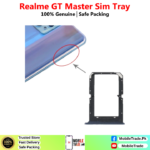
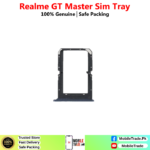



Realme GT Master Sim Tray Price In Pakistan:
Want To Buy Mobile Phones Sim Tray Jackets In Pakistan? We’ll Deliver the Best Quality Products With The Lowest Price, all Over in Pakistan. MobileTrade.Pk will Never Be Beaten on Choice & Quality. There is a Bunch of Reasons why our Customers Keep Coming Back!
Buy Realme GT Master Sim Tray Jacket in Pakistan:
Explore unbeatable prices on Realme GT Master Sim Tray Jacket at MobileTrade.Pk. Find the best deals on Top Quality Used Mobile Phones, Mobile Parts, Smart Watches, etc. Which Are Affordable, reliable, and ready to upgrade your Mobile Phone experience. Shop now for unbeatable value!
Realme GT Master Sim tray Photos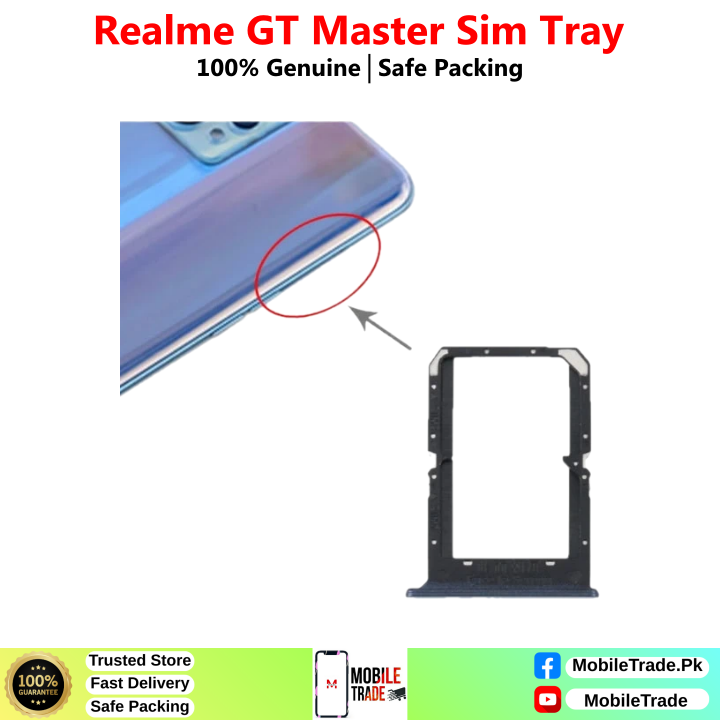
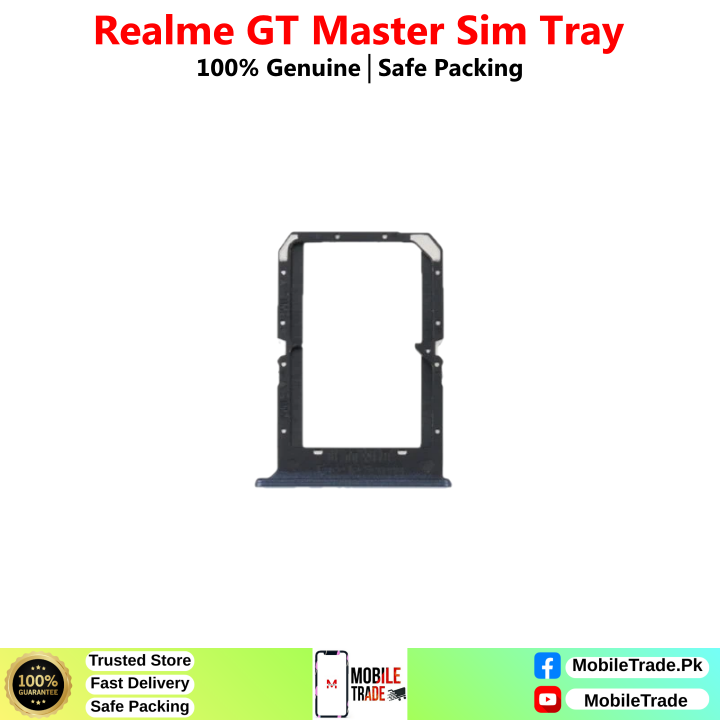
How Do I Fix Sim Tray Jacket In My Phone:
Fixing a SIM tray jacket in your phone is a relatively straightforward process. Here’s a step-by-step guide to help you install a SIM tray jacket properly:
What You’ll Need:
- The SIM tray jacket
- The SIM card you want to insert
Steps to Fix SIM Tray Jacket:
- Turn Off Your Phone: Before you begin, ensure your phone is powered off to prevent any damage to the device or the SIM card.
- Locate the SIM Card Slot: Most phones have a designated SIM card slot on the side of the device. This slot is usually accompanied by a small pinhole. Use the SIM card ejector tool (or a paperclip) to gently press into the pinhole. This will eject the existing SIM tray.
- Remove the Existing SIM Tray: Gently pull out the existing SIM tray from the phone. Be careful not to damage it, as you might need it in the future.
- Insert the SIM Card into the Jacket: Place your SIM card into the SIM tray jacket. Ensure that the card fits securely and aligns properly within the jacket.
- Insert the SIM Tray Jacket: Carefully slide the SIM tray jacket (with the SIM card inside) into the SIM card slot of your phone. Make sure it goes in smoothly without any resistance. Do not force it; if you encounter resistance, double-check the alignment of the SIM card and the jacket.
- Power On Your Phone: Once the SIM tray jacket is securely in place, power on your phone. Wait for the device to recognize the SIM card. If everything is properly aligned, your phone should detect the SIM card without any issues.
- Check for Connectivity: After the phone has started up, check for network connectivity and make a test call to ensure that the SIM card is functioning correctly.
Why MobileTrade.Pk Is No. 1 Trusted Online Store In Pakistan
Welcome to MobileTrade.Pk, Pakistan’s premier online store, where innovation meets convenience. Dive into a world of top-quality used mobile phones, gaming mobile phones, accessories, tech gadgets, and spare parts, all under one digital roof. What sets us apart?
Unparalleled Variety: Explore an extensive collection of the latest mobile phones, trendsetting accessories, cutting-edge tech gadgets, and genuine spare parts. Our range caters to every tech enthusiast’s needs, ensuring you find exactly what you’re looking for.
Quality Assurance: At MobileTrade.Pk, quality is non-negotiable. We guarantee authentic products that undergo rigorous quality checks. With us, you receive nothing but top-tier items, carefully curated for your satisfaction.
Expert Customer Support: Have a query? Our dedicated Customer Support team is here to assist you. Reach out anytime for expert guidance, product information, or after-sales support. Your satisfaction is our priority.
Swift Secure and Cash On Delivery Service: Expect prompt and secure delivery right to your doorstep. We offer Cash On Delivery (COD) service all over in Pakistan without any extra charges. We partner with reliable logistics services to ensure your purchases reach you in perfect condition and on time, wherever you are in Pakistan.









Reviews
Clear filtersThere are no reviews yet.